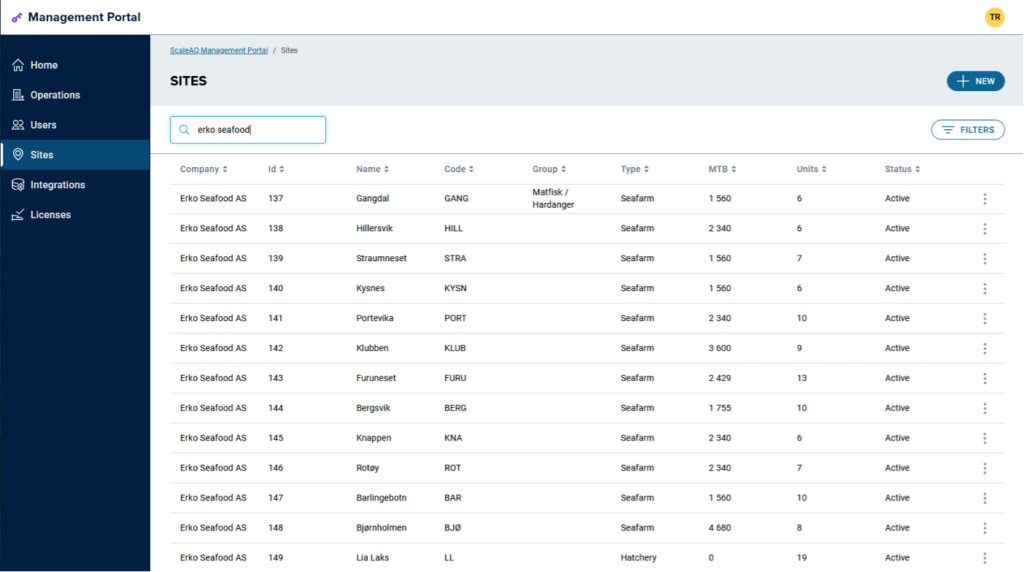
“UniteAQ” is a relatively new term for many in ScaleAQ. Some of us have worked with UniteAQ daily since 2018, when it was known as “AMS”. Others have had an indirect knowledge of it through installations and support of Core/BargeControl, Orbit cameras/sensors and FeedStation, and others know very little about UniteAQ.
In short, «UniteAQ» is an integration platform in the cloud for collecting data and integrating ScaleAQ’s applications and products. The platform is developed by our digital departments in Bergen and Hanoi and is hosted in Microsoft Azure.
In order to collect data and successfully integrate applications and products, data quality is a prerequisite.
Shortly after the UniteAQ project was initiated as «AMS», we developed a tool for internal use that would help us ensure the data quality; «Management Portal». This tool has since been used by the development departments in Florø, Bergen and Hanoi as well as our support departments around the world when new projects and sales on camera, Pellector and FeedStation have been made to customers.
These days we are releasing the version 2.0 of the Management Portal. This is greatly improved from the first version. The purpose is still to ensure the data quality and to enable integrations, but we have put great effort into the user experience and that the process around this work is as intuitive and seamless as possible.
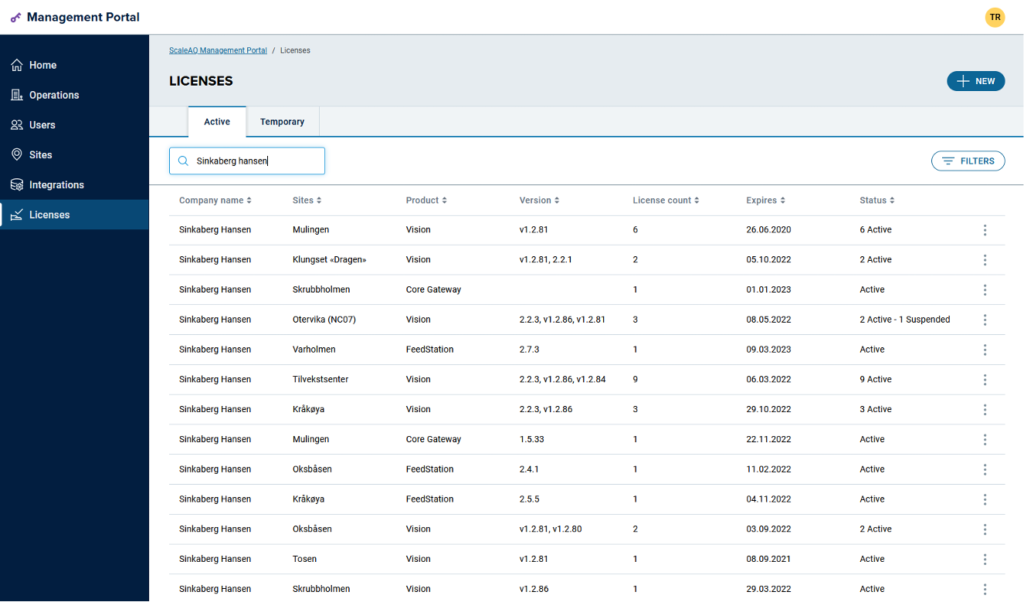
With the new improvements in the Management Portal 2.0 we are now able to invite the customer to take ownership of where their data is coming from and where the data is going to. We will be able to offer customers the experience of ScaleAQ’s openness around licenses, data sharing and their digital infrastructure at ScaleAQ. This in turn will contribute to the customer being more self-reliant and we will be able to free up resources in ScaleAQ to focus on their actual tasks.
The Management Portal 2.0 is constantly under development and the development team is rigged so that any feedback from users on desired functionality can be implemented and rolled out continuously.
In addition to our support department in Haugesund, we have invited Mowi Norway and Erko Seafood to take part in the pilot testing of the first release of the Management Portal 2.0. For Mowi and Erko, we have activated the ability to log in with their own users – known as Single Sign-On (SSO). This option is already standard for ScaleAQ users, and we can, in cooperation with the respective IT departments, enable this for other customers as well.
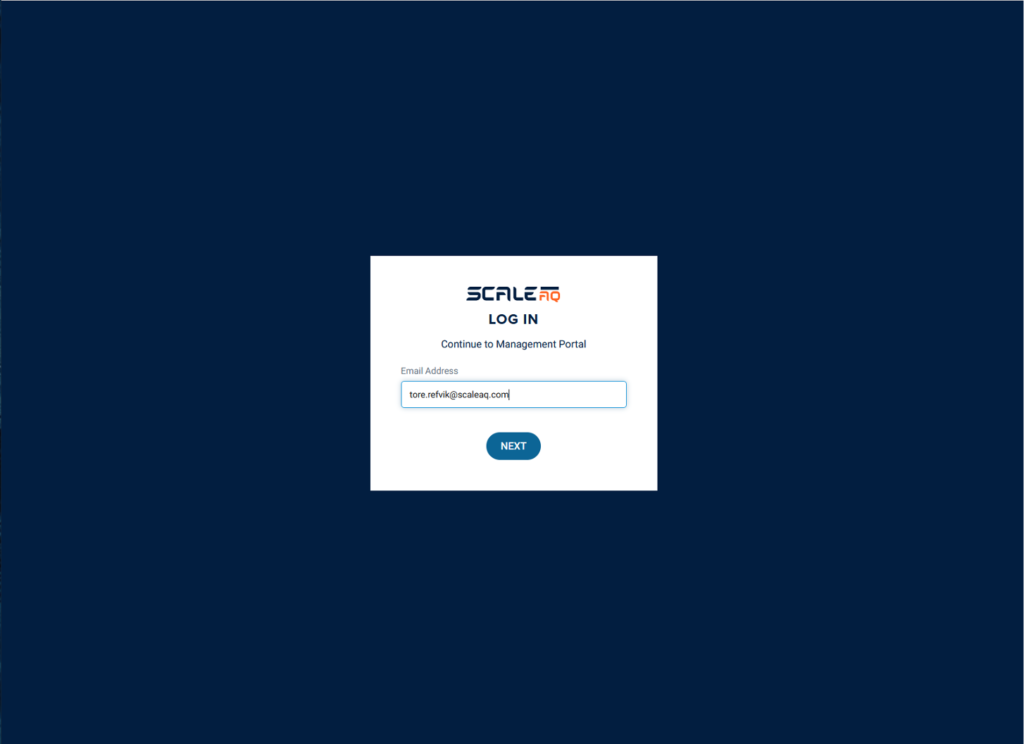
Log in with your ScaleAQ user account
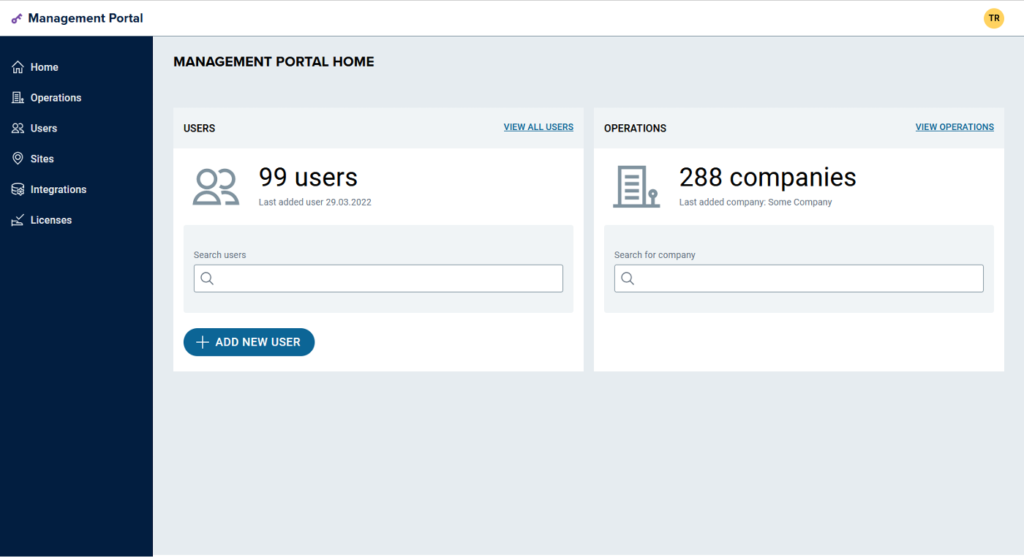
Home Page
Currently this shows simple statistics of the number of users and companies that currently are in the Management Portal 2.0 and UniteAQ. This page will be further developed, and we will adjust the content of the page to the specific user that is logged in.
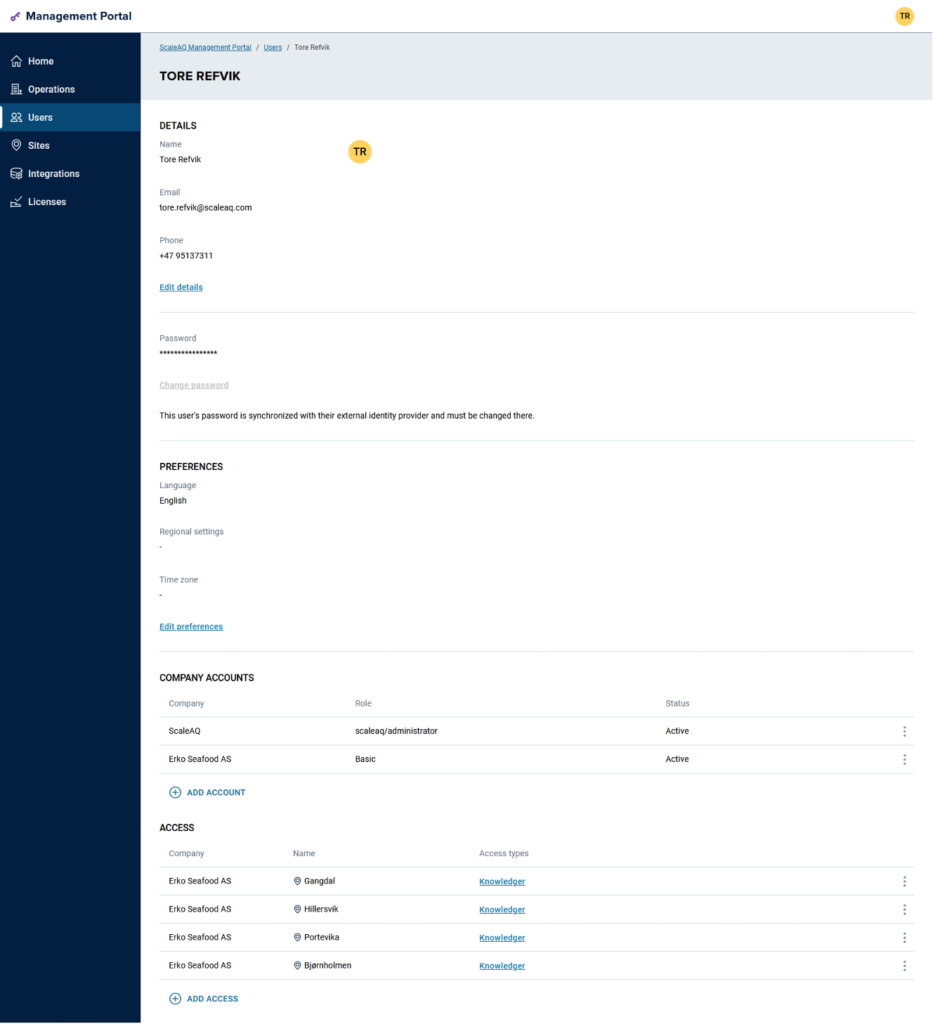
User Management
Manage users and access to sites, applications and data. For ScaleAQ users we will have the following roles: administrator, support agent and account manager. ScaleAQ users will still have access to all customers and sites in the Management Portal 2.0.
Customers that log on will only get access to their own sites and data. The customer administrator role can manage the detailed access for their own users in the Management Portal 2.0
General user account information
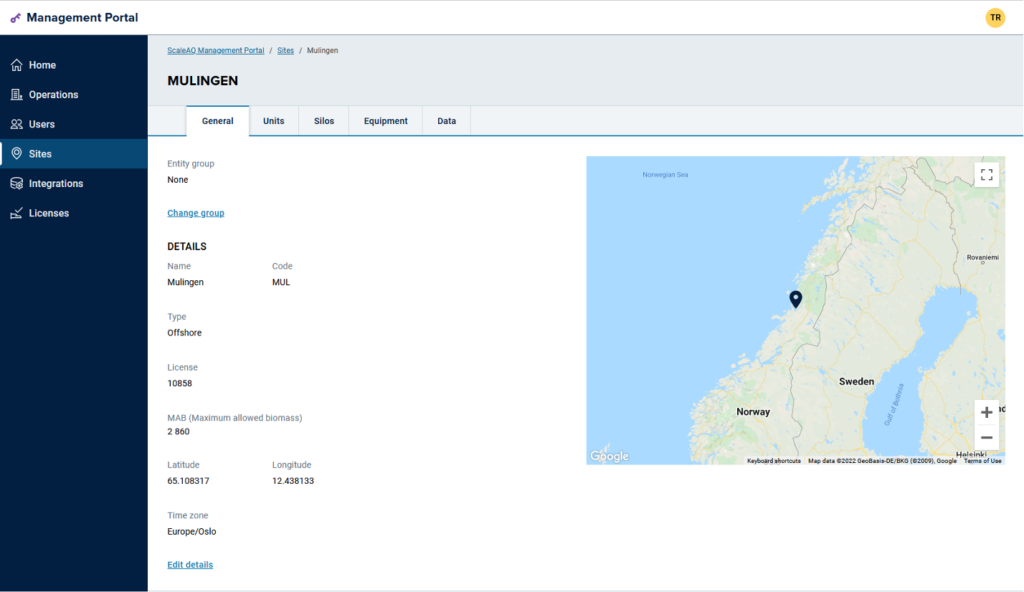
Site Overview
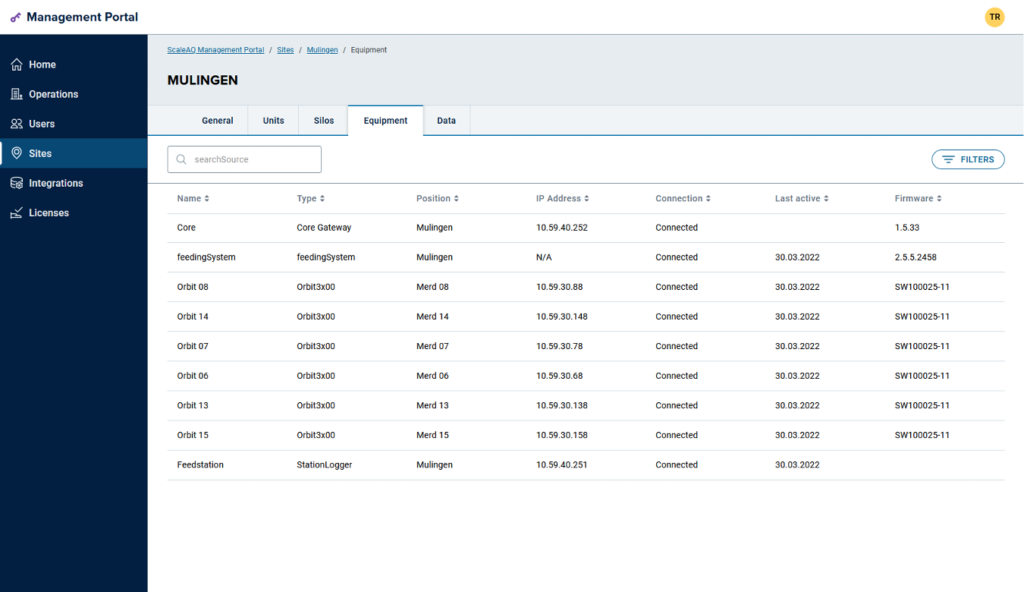
The users can easily get an overview of sites, units and silos. Since 2018 any sensor or application that is logging environmental or feeding data to UniteAQ is treated as an IoT-device. The Management Portal 2.0 is taking more advantage of the extended IoT capabilities that exists and allows the users to inspect local installations, data and data sources for each site. This will be devices and data from:
- FeedStation
- Orbit 3×00 cameras
- Orbit multi sensors
- Pellector
- Integrations with 3rd party clouds (cloud-2-cloud integration)
- Core/BargeControl. OPC UA etc.
Users will get information and details for each device like; Last active or online date, IP address, status, physical placement, software version and firmware version.
Overview of equipment and IoT devices on site
[vis_kontaktperson_horisontalt user_identifier=”1168″]