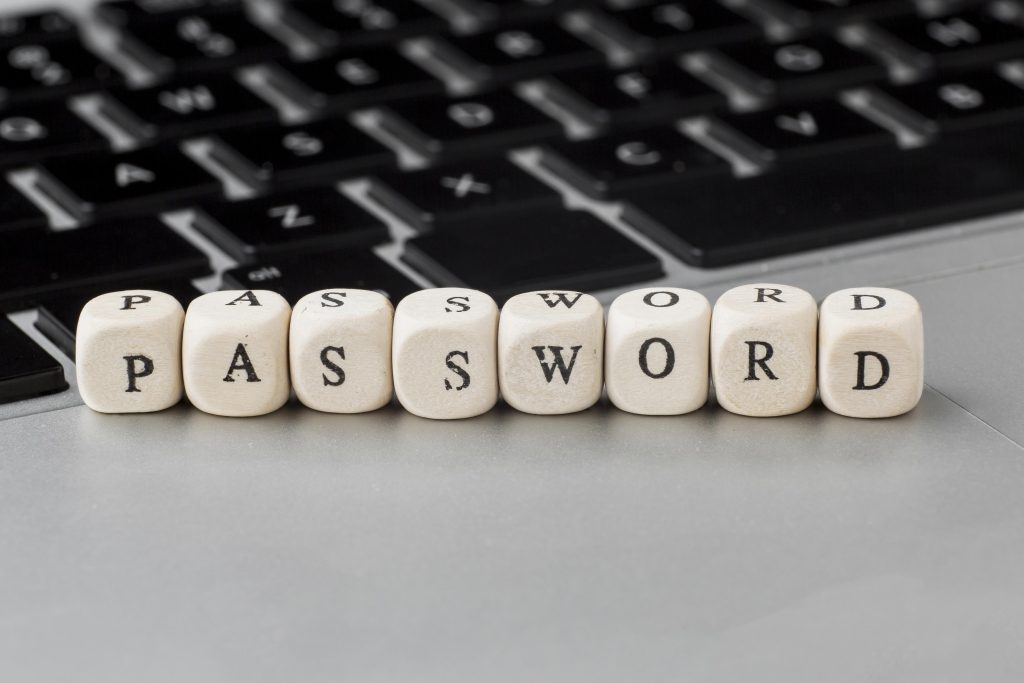
The cyber landscape is complex, challenging, and increasingly dangerous. Password-based attacks continue to dominate the line of attacks seen by cyber criminals and state actors. ScaleAQ has just completed a security project removing commonly used attack vectors. In addition, this project has led to the changes outlined below, with links to more information, that will affect you.
Please read carefully the password and region zone changes as they are coming later this year and mid-January.
Password policy
The password you use to protect your identity is a very important part of keeping sure only you can access your account.
Due to changes in security, we have updated the password policies for ScaleAQ. We need to ask you all to set a new password before December the 15th this year. If you have not changed your password by then you will be prompted to do so.
We recommend setting a password that is easy to remember for yourself, use a long sentence that only you can guess. Do not reuse this password elsewhere. We have removed most of the complexity required when setting new passwords but increased the length to 18 characters as these are the current recommendations. Your password no longer requires the use of numbers, upper and lower case nor special characters.
Password Policy: ScaleAQ
Region zone for login
For everyone traveling abroad, the introduction of a region locks for account logins (similar to what the banks have you unblock your credit cards for the region you want to travel to) has been done to safeguard your account. Note that some countries have low risk and require no unlock. Remember to review and unlock the region you need to travel to. If you are currently travelling there is a grace period to unlock the region you are in, please familiarize yourself with the regions below. The region zone will be enabled on the 15th of January 2025.
Region zone for login: ScaleAQ
Introduction of Access Review for Guest Accounts in SharePoint and OneDrive
To enhance security and ensure appropriate access control, we have introduced Access Review for Guest accounts in SharePoint and OneDrive. This process is designed to periodically review and validate access permissions for external users, ensuring that only authorized guests retain access to sensitive data and resources. By default, when you share a file with an external user, the user is created as a guest account. These guest accounts will have a validity of 90 days. Prior to the file shared expiring you will be notified by email. This feature has already been enabled.
Introduction of Access Review for Guest Accounts in SharePoint and OneDrive: ScaleAQ
PC hardening – important to report any issues
We have hardened the PC clients by removing many legacy protocols and unused connection methods. The intention is to remove features that are not used by us but that can be exploited by an attacker. The rollout has been done in groups to adjust and correct according to feedback. It has now been rolled out to all users. It is important that we receive a report of any issues that have not been addressed at itsupport@scaleaq.com
No sync of personal OneDrive or email
We have implemented greater separation of personal data and work data. No sync of personal OneDrive or email.
Segregation of Duties: Why Syncing Private OneDrive and Outlook to a Work Computer is Not Allowed: ScaleAQ
Management of Enterprise Apps
Enterprise Apps are managed to review what data third parties and app producers can access of personal information.
Why Enterprise Apps Are Managed by IT and Require Approval: ScaleAQ
Elevation of Access
Running your computer logged in as a normal user is a good safety measure. This prevents an accidental click on a link or attachment in the email that runs and installs malware or viruses.
However, at times you might need to install or update software, change your ip or other tasks that require elevation of rights. To facilitate this, we are using an application called Heimdal that lets you elevate when you need it.
Elevate to admin privileges: ScaleAQ
Unmanaged Accounts
Please note that we also are working on removing any accounts that are not linked to any of our employees.
We need every account to be protected by multi-factor authentication as we have a large set of accounts that needs review. These are typically related to sales, support, audit etc. and are not linked to one user. We will reach out for the ones we know who the end user is, however for some we need to mitigate the access and wait for feedback. If you for some reason lose access to a shared email account etc., please do let us know at itsupport@scaleaq.com
Results from IT Survey
The short summary for the IT survey is that there is a demand to establish one single point of contact and provide good documentation and training.
You can view an anonymous report of all the questions here: Results from IT Survey October 2024: ScaleAQ
–
With the above changes we hope we can keep the working environment safe from cyber threats and thank everyone very much for understanding. If you have any questions or comments, please feel free to reach out to me.
In 2025 we hope to improve IT support, address the demand for a single point of contact. We also want to introduce IT courses on our video platform covering cyber security and any information a new employee might need. In general, we will have a focus on tasks that will give increased self-service and improve efficiency in processes.
Best Regards,
Arne